Resources > Case Study > 6> Dian Xiao Er’s multi-source sales reconciliation, automated with an AI agent

Dian Xiao Er's multi-source sales reconciliation, automated with an AI agent

Dian Xiao Er (DxR), a multi-outlet F&B group in Singapore, is rolling out an AI-agent solution with AFusion to automate its daily sales reconciliation across four independent data sources — POS reports, store reports, merchant payment-channel reports, and the PMS app. The design the two teams agreed in the scope of work: a 2-tier waterfall reconciliation with zero tolerance (a difference of 0.01 is a mismatch), one Excel tracker per outlet per sales day as the single source of truth, human approval before anything posts, and posting into SAP Business One through UI automation. The system is built to handle up to 100 outlet reconciliations per day across their vendor base, with expected processing inside the overnight window and a review-ready result every morning at 8 AM.
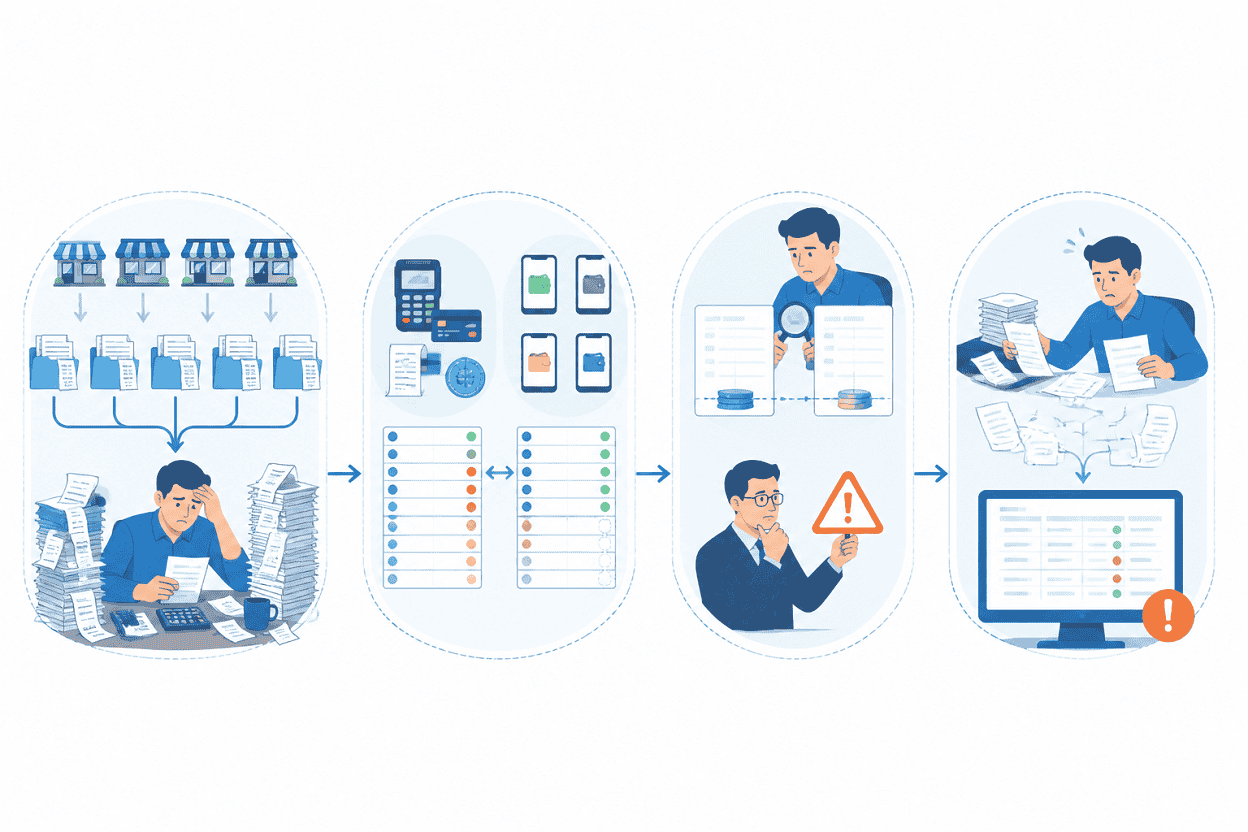
Why multi-outlet sales reconciliation is hard
- The POS report records what the till rang up.
- The store report (from the PMS portal) is what the store submits upward.
- Merchant channel reports come from the payment acquirers — the card and NETS settlements the bank actually moved.
- The PMS app report covers orders taken through the ordering app.
- Volume. Up to 100 outlets trading daily, each generating a full reconciliation set.
- Asymmetric data. Not every source carries every payment method; card fees exist only on the merchant side; FomoPay wallets (Alipay, PayNow, ShopeePay, WeChat) are reconciled without debit/credit lines at all.
- Silent drift. A 0.01 difference looks like rounding to a tired eye and like a control failure to an auditor. Deciding the policy per case, per day, is exhausting — so teams round things away that should be investigated.
- Posting pressure. Reconciled figures still have to land in SAP Business One correctly, journal by journal, or the ledger inherits the confusion.
What DxR and AFusion agreed the system must do
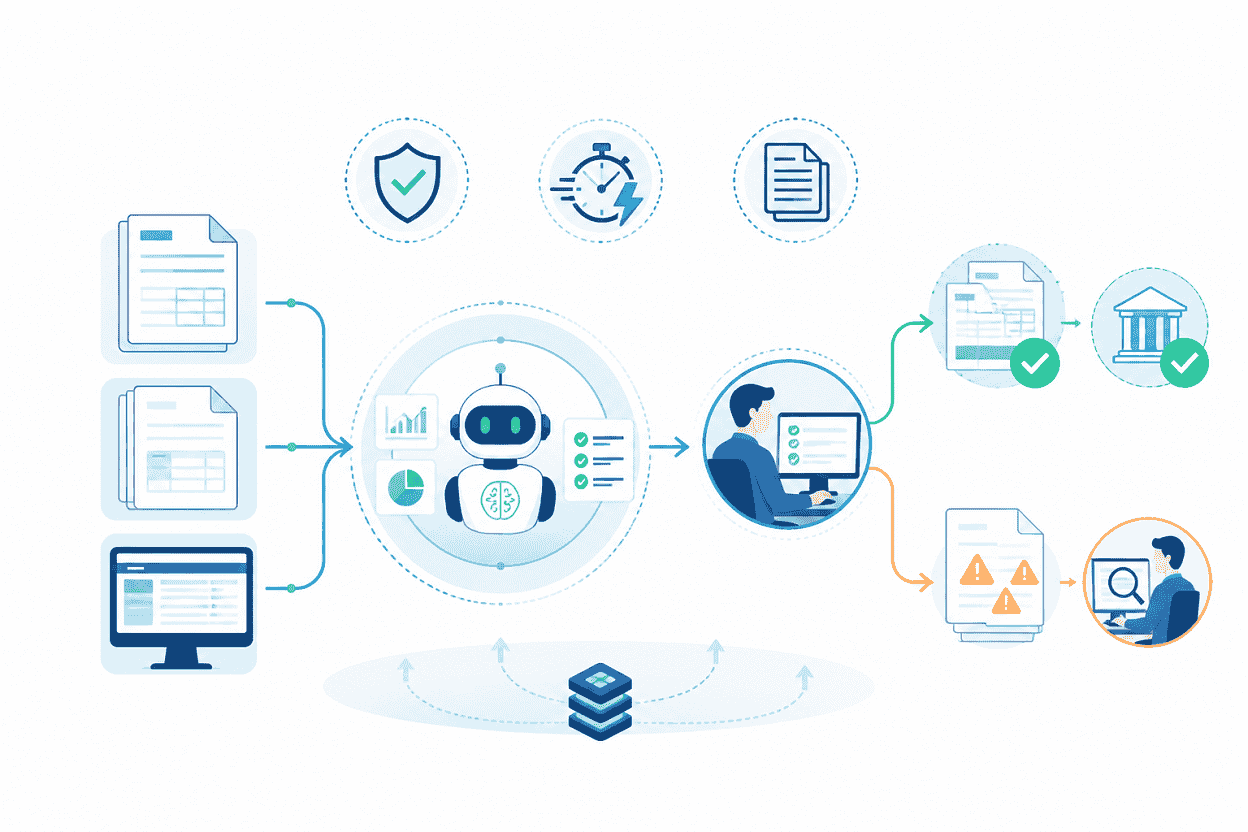
The scope of work sets out the target design: collect the four reports daily, extract what reconciliation needs, run a 2-tier matching that first confirms sales and then confirms collections, produce per-outlet tracker files for review, and post only approved records into SAP Business One — while sharing the same robot machine and security envelope as the existing AP invoice automation (Phase 1), with no data leaving DxR’s premises and no SAP API.
How the 2-tier waterfall reconciliation works
Tier 1 — confirm the sales: POS vs Store
Tier 2 — confirm the money: Store vs Merchant and PMS
- Cash rows are computed, not copied: total cash collection minus service charge minus output GST plus card DBS, calculated independently on the store side and the POS side.
- Card fees (AMEX, DBS) exist only in the merchant channel report — the system knows not to look for them elsewhere.
- FomoPay wallets (Alipay, PayNow, ShopeePay, WeChat) are summed and reconciled without debit/credit posting, matching how DxR accounts for them.
- Mapping-driven rows resolve to GL/BP accounts through a mapping file the client maintains with AF support; a row with no mapping is noted as such rather than guessed.
The tracker file: one source of truth per outlet per day
After each matching run, the agent generates a reconciliation tracker per outlet and sales day — outlet, sales date, GL/BP account, the four source values side by side, debit/credit/base amounts, status (Mismatched → Approved/Rejected → Posted), journal voucher and entry numbers once posted, and direct links to the source report files on Dropbox. Missing data follows a strict convention: a side with no data at all stays blank; an empty cell in a source file counts as zero.
Human review stays in the loop, by design
Every matching day, the trackers land in each outlet’s Pending folder. At 8 AM the PIC gets a notification email with the summary and links; the review window runs until noon. The PIC checks highlighted cells, fixes what the source data explains, and moves approved files to Reviewed — rejection is equally one click. Re-processing a file overwrites the old result with the latest, so there is exactly one current truth per outlet-day at any moment.
Posting to SAP Business One, only what humans approved
Every 8 hours the agent scans the Reviewed folders and posts approved files to SAP Business One through screen automation, writing the journal voucher and entry numbers back into the tracker before moving files to Posted. The protections around posting are explicit: if debit does not equal credit, the file goes back to Pending instead of posting; if SAP is unavailable, the job queues and retries every 30 minutes for up to 4 hours, then alerts; zero-amount rows skip journal creation entirely; and rejected files never post.
Collection and extraction, hardened for daily reality
The four sources arrive differently, so the collection layer assumes nothing. Portal logins retry three times before alerting; a report that isn’t published yet is picked up on the next 8-hour trigger; a missing merchant file logs an event and asks DxR to upload it, with affected rows marked unmatched rather than assumed. Extraction retries three failures; an outlet that cannot be identified after three attempts is logged for review instead of being force-fitted to the wrong store.
What the system is engineered to deliver
The agreed requirements define the performance envelope: matching runs complete inside the overnight window (7 PM to 8 AM) on matching days, up to 100 outlet-day reconciliations per run, report collection across all four sources within the daily 8-hour cycle, and exact-match reconciliation with zero false positives. Posting runs on the same 8-hour cadence that already carries DxR’s AP invoices, so the shared robot machine slots the new workload beside the proven one — the Phase 1 process the AR agent runs alongside.
The operational math matters: at 100 outlets per day, every hour the reconciliation loop saves is 100 outlets’ worth of accountant attention returned to investigating differences instead of assembling spreadsheets.
Is your sales reconciliation still spreadsheet work?
If closing a day means one person downloading four report types and another checking their sums, the constraint is not diligence — it is geometry: outlets × sources × days, reconciled by hand. AFusion maps that geometry with finance teams — which sources exist, what must agree, who approves what — and shows where an AI agent with zero-tolerance matching and approval-gated posting would change the daily grind into a morning review.
Frequently asked questions
What is multi-source sales reconciliation?
Comparing the same day’s sales across the systems that record it — POS, store/PMS reporting, payment-channel settlement reports, and ordering apps — so that sales figures and collected money agree before they are posted to the ERP.
Why zero tolerance in sales matching?
Because a tolerance threshold is a policy about money, not about data. In this project the rule is explicit: a difference of 0.01 is a mismatch, highlighted with the amount noted. The system surfaces every gap; humans decide what it means. That keeps small drifts from being rounded away before anyone sees them.
How are payment fees and e-wallets handled?
Card processing fees (AMEX, DBS) are taken exclusively from the merchant channel report, since no other source carries them. E-wallet collections (Alipay, PayNow, ShopeePay, WeChat) are reconciled as a summed group without debit/credit lines, matching the client’s accounting treatment.
Does anyone approve before data is posted to SAP?
Yes — that is the core control. Matching results sit in a Pending folder; the PIC reviews, corrects, and approves by moving files to Reviewed; only then does the agent post to SAP Business One, writing journal numbers back into the tracker. Failed balance checks (debit ≠ credit) return to Pending instead of posting.